MAYOFLUX / AFTER EFFECTS / WINDOWS BETA 1.1.1
Make every
dot move.
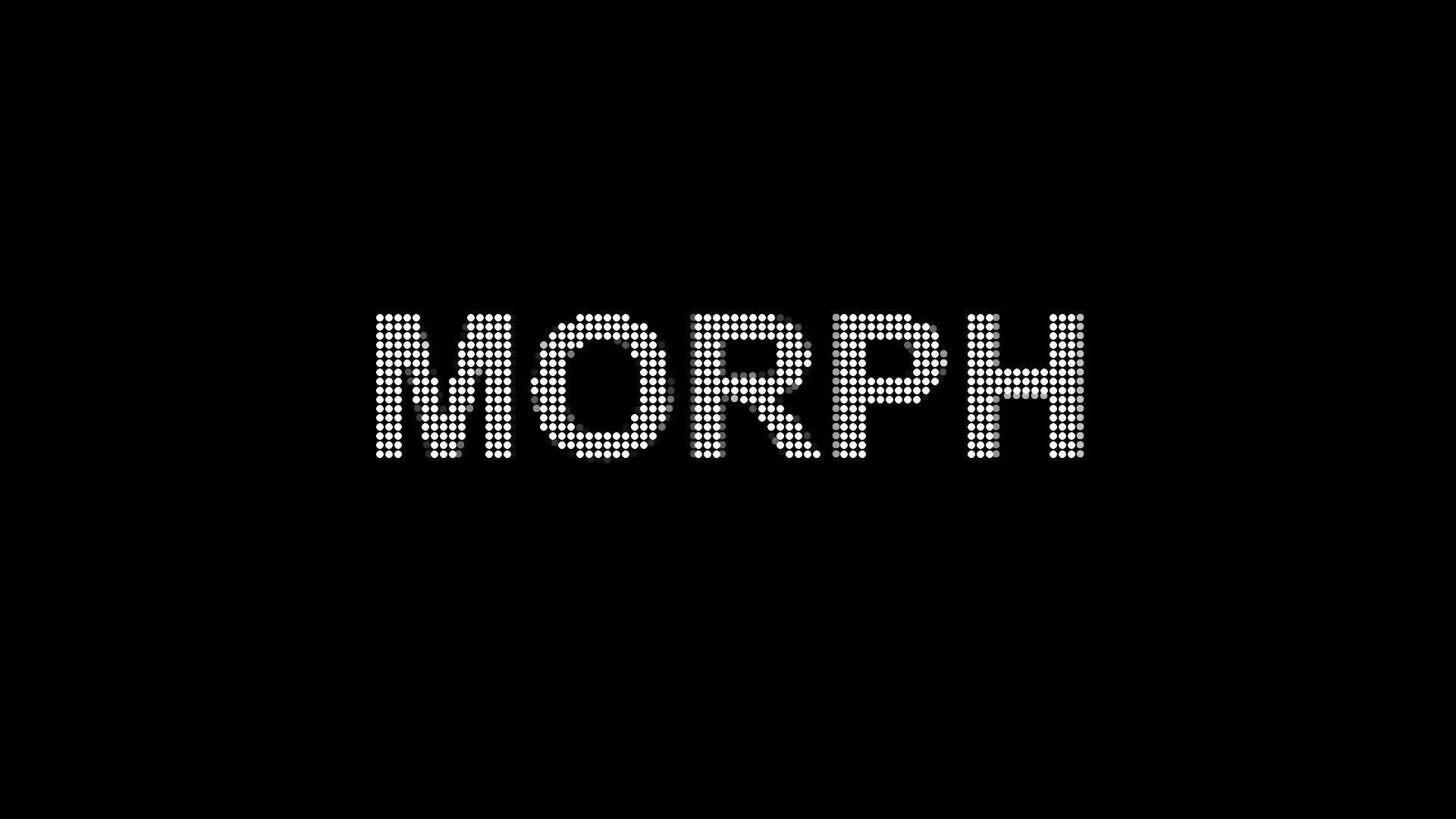
Dot Morph turns source pixels into particles that scatter, travel and reform.
Install
- Extract the entire ZIP, keeping its folders together.
- Save and close After Effects and any aerender or Dynamic Link AE background process.
- Double-click Install.cmd and accept the administrator prompt.
- Reopen After Effects. Open examples/Dot Morph - Starter.aep.
The unsigned installer checks the native file hash and preserves the previous version. Windows may show an unknown-publisher warning.
Your first morph
- Create two text layers in a composition. Make each a different word and color.
- Add a composition-size solid above them. Apply Effect → MayoFlux → Dot Morph to the solid.
- In Effect Controls, assign the text layers to Source 1 and Source 2. Hide the original text layers.
- Leave Automatic enabled and set Hold and Transition times. Scrub the composition to see the morph.
- For manual timing, disable Automatic. Keyframe Sequence Position from 1 to 2.
Explore the starter
- 01 — Start here — Text morph: an editable two-word source-color transition.
- 02 — Center Out — Shape morph: release a geometric pattern from the middle.
- 03 — Additional particles — Trails: independent emitted particles with velocity and lifetime.
All source artwork is editable. The starter uses native text and shapes, with no external media or soundtrack.
Controls that change the look
- Spacing and Dot Size: tune density and the graphic scale of the dots.
- Match Source Colors: carry source colors through the transition.
- Form Solid Source: rebuild the original image at each endpoint, or turn it off for persistent dots.
- Motion Style and Order: choose Drift, Swirl, Chaos, Pop or Center Out; tune Scatter and Stagger.
- Additional Particles: use Life, Inherit Velocity, Velocity Falloff and End Scale to control trails.
- Add Source: reveal more inputs. Up to 16 sources; empty rows are skipped.
Uninstall or restore the old version
Close AE and double-click Uninstall.cmd. To restore a preceding version, run tools/Uninstall-DotMorph.ps1 -Rollback in an administrator PowerShell window. See README.txt for the complete command.
Compatibility
Windows x64, CPU rendering, 8/16/32 bpc. Verified in AE 26.5; this release's AE 26.3 host check is pending. No macOS build. Dense particles and long trails cost more render time. See BETA-NOTES.txt.
Dot Morph product page · Send beta feedback