BETA 1.1.1For Adobe After Effects
by  Dot Morph.
Any layer.
To any layer.
Start with text, a logo or transparent artwork. Break it into dots, carry its color through motion, and assemble the next layer.
Native Dot Morph animation. Music: Geometry of Light.
Verified in After Effects 26.5 on Windows. See compatibility and beta notes →
Your artwork is the source
Two sources.
One moving idea.
Keep the effect on one solid, with native controls inside After Effects.
- 01
Prepare the artwork
Use text, shapes, images, footage or precomps. Precompose transformed or multi-layer designs so they arrive exactly as intended.
- 02
Apply Dot Morph
Add a comp-size solid and choose Effect → MayoFlux → Dot Morph. Assign Source 1 and Source 2, then hide the original source layers.
- 03
Make the transition
Use automatic Hold and Transition timing, or keyframe Sequence Position from 1 to 2. Add up to 16 sources to extend the sequence.
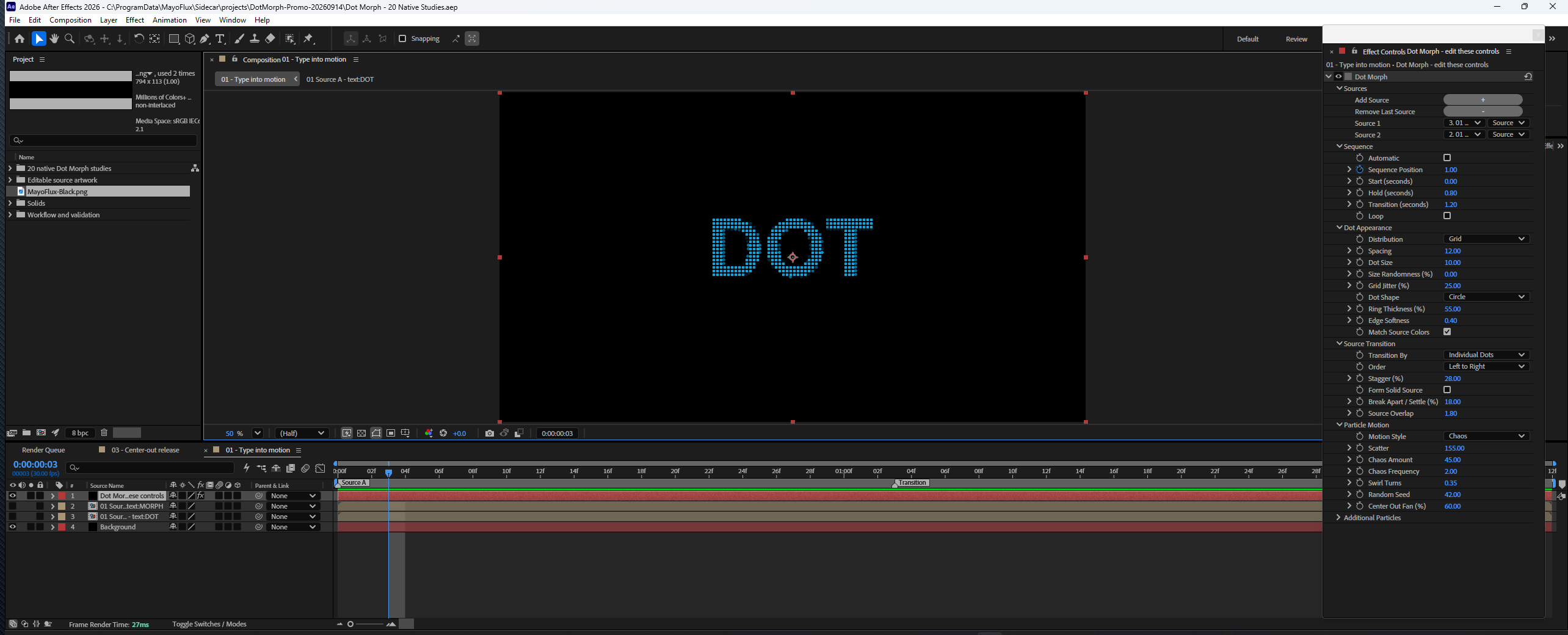
Type. Shape. Motion.
Find your next transition.
From a single word to a field of particles, let the artwork set the shape.
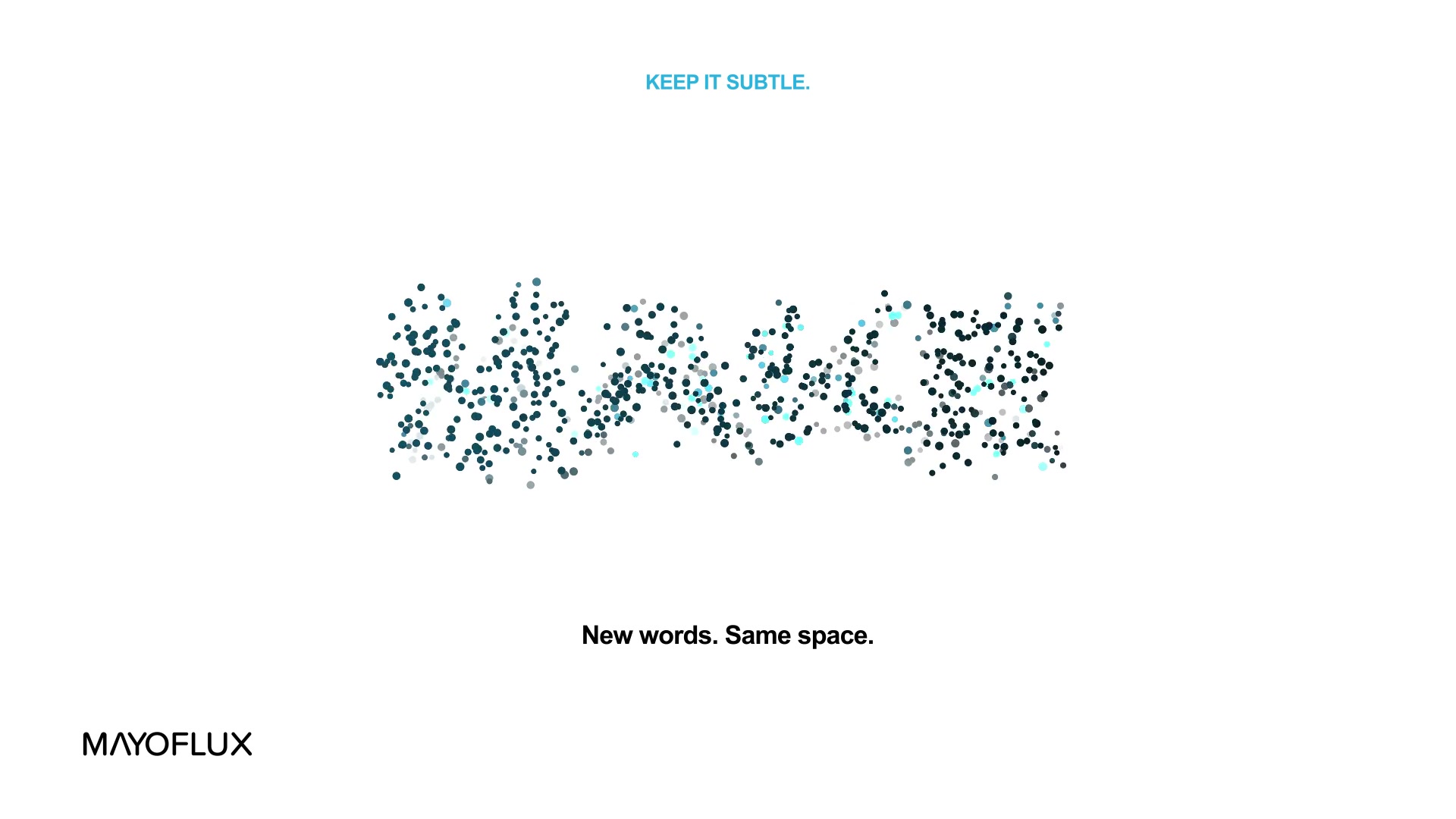
Keep it subtle
Change words in the same space. Hold a solid form, break into dots, and settle into the next word.
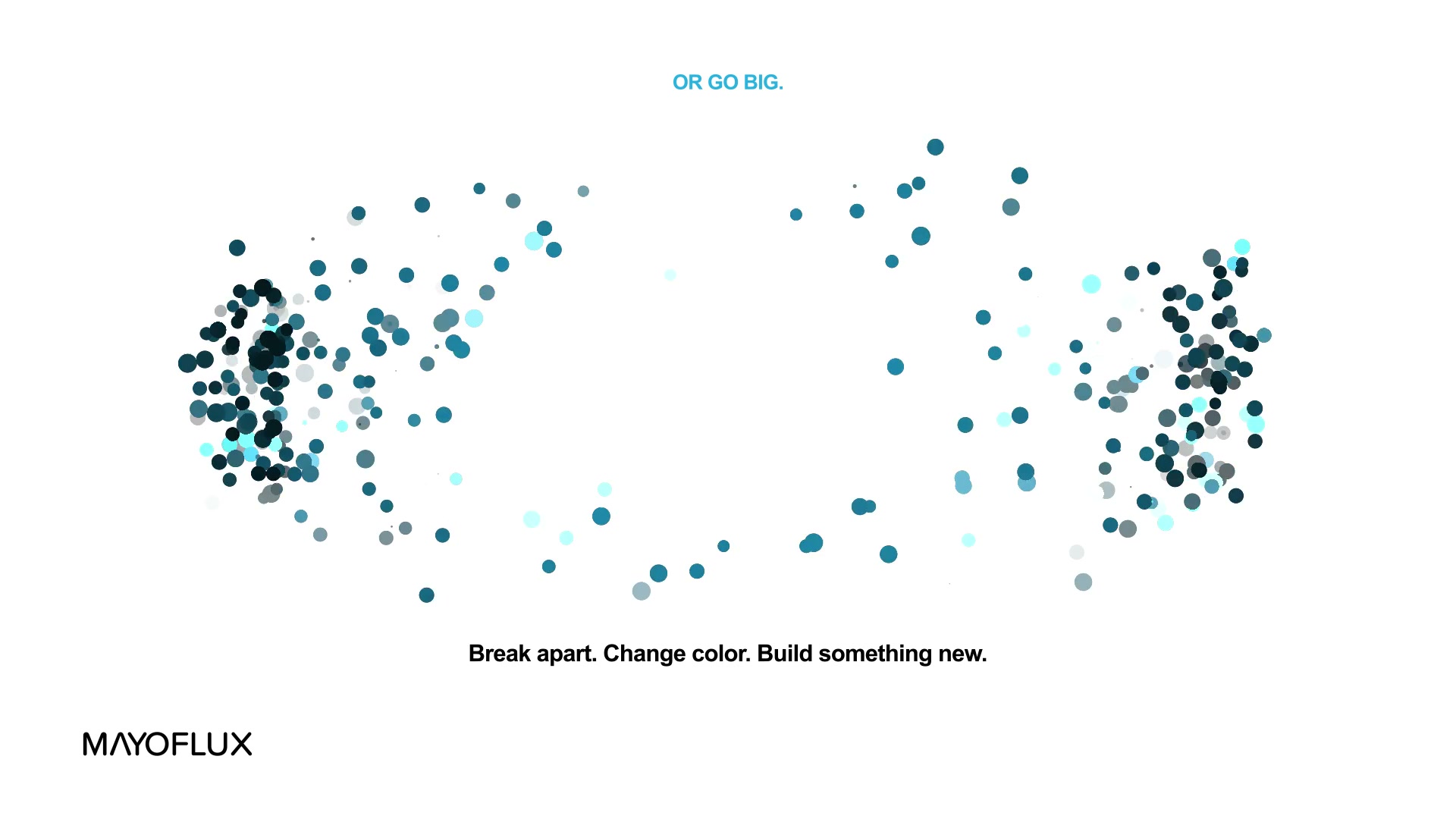
Or go big
Send particles across the frame with scatter, swirl and center-out motion. Bring them back as a complete new layer.
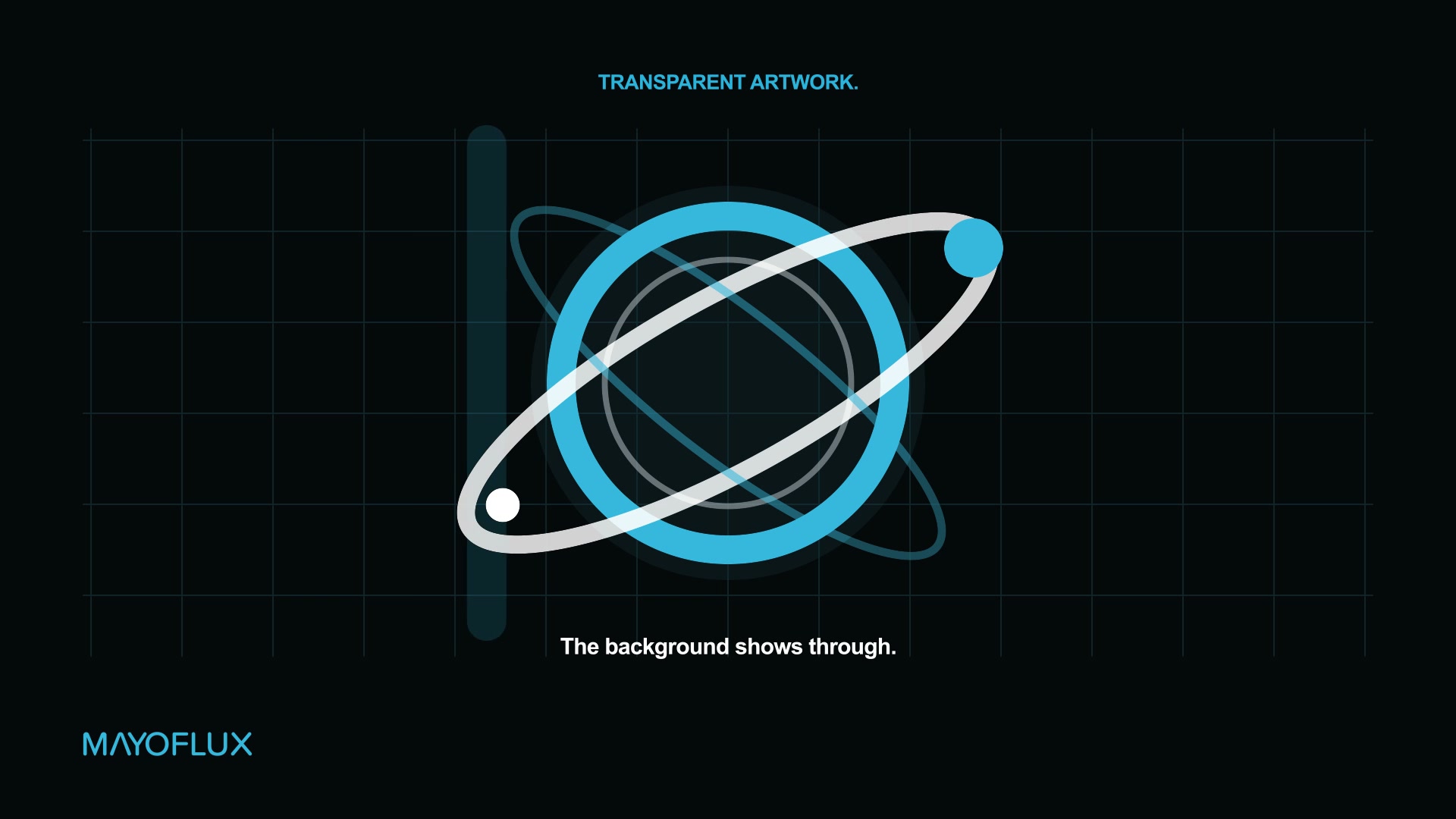
Put transparency to work
Morph transparent PNGs and layered artwork. Alpha defines the shape; source colors follow the particles.
Choose the next layer
Text to a graphic. A graphic to a logo. Mix source types and sequence up to 16 layers.
Start making
Download.
Install. Explore.
The ZIP includes the native plug-in, install and uninstall tools, an illustrated guide and an editable starter project.
Windows 64-bit · After Effects 2026
AE 26.5 verified · CPU rendering
No other third-party plug-in required
Extract the whole ZIP
Choose Extract All in File Explorer. Keep the included folders together.
Save and close After Effects
Close AE and any aerender or Dynamic Link AE background process. Keep a separate copy of important projects while trying the beta.
Double-click Install.cmd
Accept the Windows administrator prompt. The installer checks the plug-in checksum and backs up any previous Dot Morph installation.
This beta is unsigned, so Windows may identify the publisher as unknown.
Open the starter project
Reopen After Effects, then open examples/Dot Morph - Starter.aep from the ZIP. Select its Dot Morph layer and explore Effect Controls.
Uninstall, restore a previous version or use a custom location
Save and close AE, then double-click Uninstall.cmd. The removed binary remains in a recoverable backup.
To restore the preceding version, open Windows PowerShell as administrator in the extracted folder and run:
powershell.exe -NoProfile -ExecutionPolicy Bypass -File ".\tools\Uninstall-DotMorph.ps1" -RollbackFor a custom AE location, run:
powershell.exe -NoProfile -ExecutionPolicy Bypass -File ".\tools\Install-DotMorph.ps1" -AfterEffectsRoot "C:\path\to\Support Files"Use the same Windows account that installed the plug-in. Full instructions and backup locations are in README.txt.
Help shape Dot Morph
In beta.
Feedback welcome.
Show us what you make, and tell us where the workflow can improve.
Send beta feedback ↗Include your AE and Windows versions, the steps to reproduce the issue, and a short clip if possible.
Before you jump in
- Windows x64 only. No macOS build. AE 26.5 is verified; 26.3 is an installation target awaiting this release's final host check.
- Alpha defines the shape. Remove an image's background for an isolated logo. Opaque footage supplies a rectangle.
- Precompose layouts. Use a precomp for transformed, parented, 3D or multi-layer artwork.
- Start with modest particle counts. Dense spacing, long lives and high emission rates increase CPU render time.
A MayoFlux product. Not affiliated with or endorsed by Adobe.