MayoFlux / Pixel Stretcher 1.1
Your first stretch.
Your image provides the color. A separate mask layer tells the effect where to begin.
Install the plug-in
- Extract the whole ZIP, then save and close After Effects and aerender.
- Double-click Install.cmd and accept the administrator prompt. The installer verifies the plug-in checksum and backs up an existing copy.
- Open After Effects 2026 (26.5 or later in the 26.x family). Find Effect → MayoFlux → Pixel Stretcher.
The installer is unsigned. Full custom-location and removal instructions are in README.txt. Tested on Windows x64 in AE 26.5.
Make a mask-driven stretch
- Start with a 1920 × 1080 comp. Add a photo or footage; precompose it at this size if you have transformed or combined layers. Apply Pixel Stretcher to this artwork precomp.
- Create a second 1920 × 1080 precomp named “Stretch Mask”. Inside it, draw a small white rectangle on a transparent background using a shape layer. Put the rectangle where you want a streak to start.
- Add Stretch Mask to the main comp. Turn off its visibility. In the effect, choose Mask Source → Mask Layer → Stretch Mask, then Stretch From Mask and Alpha.
- Choose Horizontal and increase Streak Length. Try a few hundred pixels with Amount at 100%. The right edge of the selected region extends across the image. Reverse Direction starts at the other edge.
- Animate it. Keyframe Streak Length or Amount, or animate the shape inside Stretch Mask. Bring Amount back to 0% to restore the original.
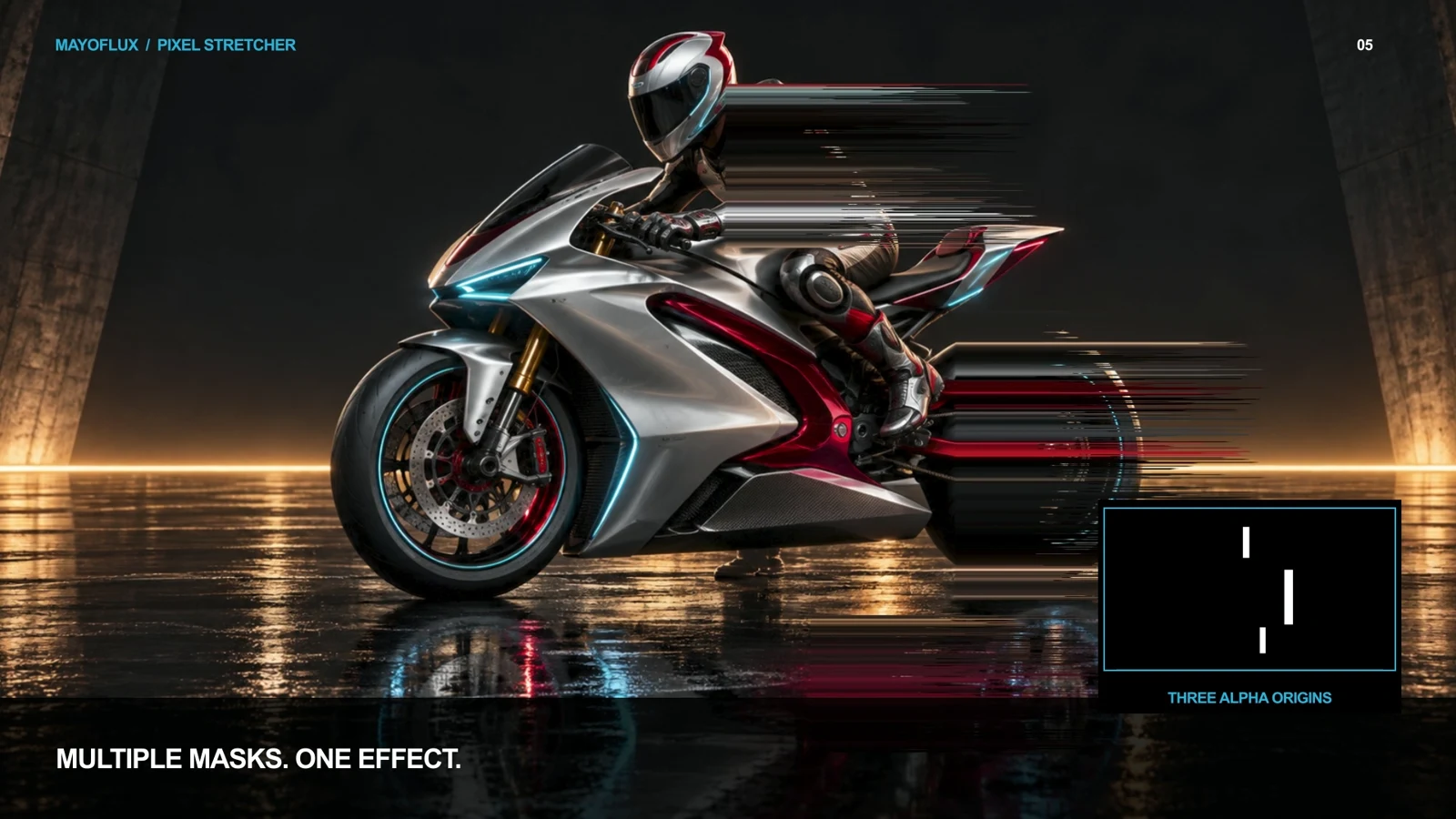
Choose the right matte
- Alpha: use opaque shapes or text over transparency.
- Luminance: use white or bright shapes over black. A solid black background is still opaque, so choose Luminance for this setup.
- Show Mask: inspect the matte the effect actually samples. Mask Threshold and Invert Mask adjust the selection.
Keep transformations inside the mask precomp. Move, scale, rotate, feather and animate the shapes there. Outer layer transforms do not reposition the sampled matte. Match the mask precomp dimensions to your artwork for predictable alignment.
Explore the controls
- Stretch From Mask preserves the selected region and stretches outward from its edge.
- Sort Inside Mask rearranges pixels only inside the selected regions.
- Off — Full Frame Sort sorts brightness-selected runs across the image.
- Length Variation changes streak distances across rows or columns; Stretch Tip Feather softens their ends.
- Preserve Input Alpha retains the original silhouette. Disable it when you want streaks to extend beyond transparent artwork.
- Sweeps animate the area receiving the effect. Amount at 0% is an exact bypass.
New: particles and forces
- Keep your image and mask setup. In Streams and Particles → Render Mode, choose Particles.
- Set Random Force to 300, Trail Length to 1.2 seconds and Lifespan to 2.5 seconds. The image supplies colors; the mask supplies emission positions.
- Try Birth Size 200% / End Size 0% to shrink streams, or 5% / 300% to grow them. Growth Curve changes how quickly the width changes.
- Choose Radial Out or Radial In, and place Center X/Y. Combine Attractor, Repeller, Wind and Random forces. Each force can be keyframed.
- Choose Force Lines for continuous paths with these same forces. Classic Lines keeps the original horizontal/vertical stretch and sorting.
Streams Only produces trails on transparency. Disable Preserve Input Alpha if trails should extend beyond your original artwork. Pre-roll displays a full particle population immediately; switch it off to build emission from layer time zero.
Trajectories are procedural: each frame samples the current image, mask and controls. Animated emitters move the current paths; historical source colors and mask positions are not stored. Read the complete user guide for mode behavior and limits.
If nothing happens
Check that Mask Layer is assigned, select Show Mask, and confirm a visible shape appears. For Stretch From Mask, use a narrow shape with room beyond its outgoing edge; a mask covering the entire image leaves nowhere to stretch. Increase Streak Length and Amount, then check the brightness thresholds and sweep controls.
Uninstall or keep older projects
Close AE and run Uninstall.cmd. Backups stay in %LOCALAPPDATA%\MayoFlux\PixelStretcher\Backups. The README explains restoring a previous version. Keep PixelSort.aex installed for projects that use the older Pixel Sort effect.