VERSION 1.1For Adobe After Effects
by  Pixel
Pixel
Stretcher.
Stretch reality.
Choose where it begins.
Turn image colors into radial streams and particles with trails. Set their origins with masks, bend them with forces, then grow or taper their width over life.
Rendered with the native effect. Music: Design in Motion.
Verified in After Effects 26.5 on Windows. Compatibility & release notes →
Your image. Your starting point.
The mask sets the origin.
The image gives it color.
A narrow line, a word, a moving shape. Give your pixels somewhere to go.
- 01
Choose your image
Apply Effect → MayoFlux → Pixel Stretcher to footage, a photo or an artwork precomp. This layer supplies the pixels.
- 02
Build your mask
Make a precomp the same size as your image. Add masks, shapes or text inside it, then select it under Mask Source → Mask Layer.
- 03
Pull it into motion
Choose Stretch From Mask, then Force Lines or Particles under Render Mode. Add Random Force, trails and size over life. Classic Lines keeps the original stretch.
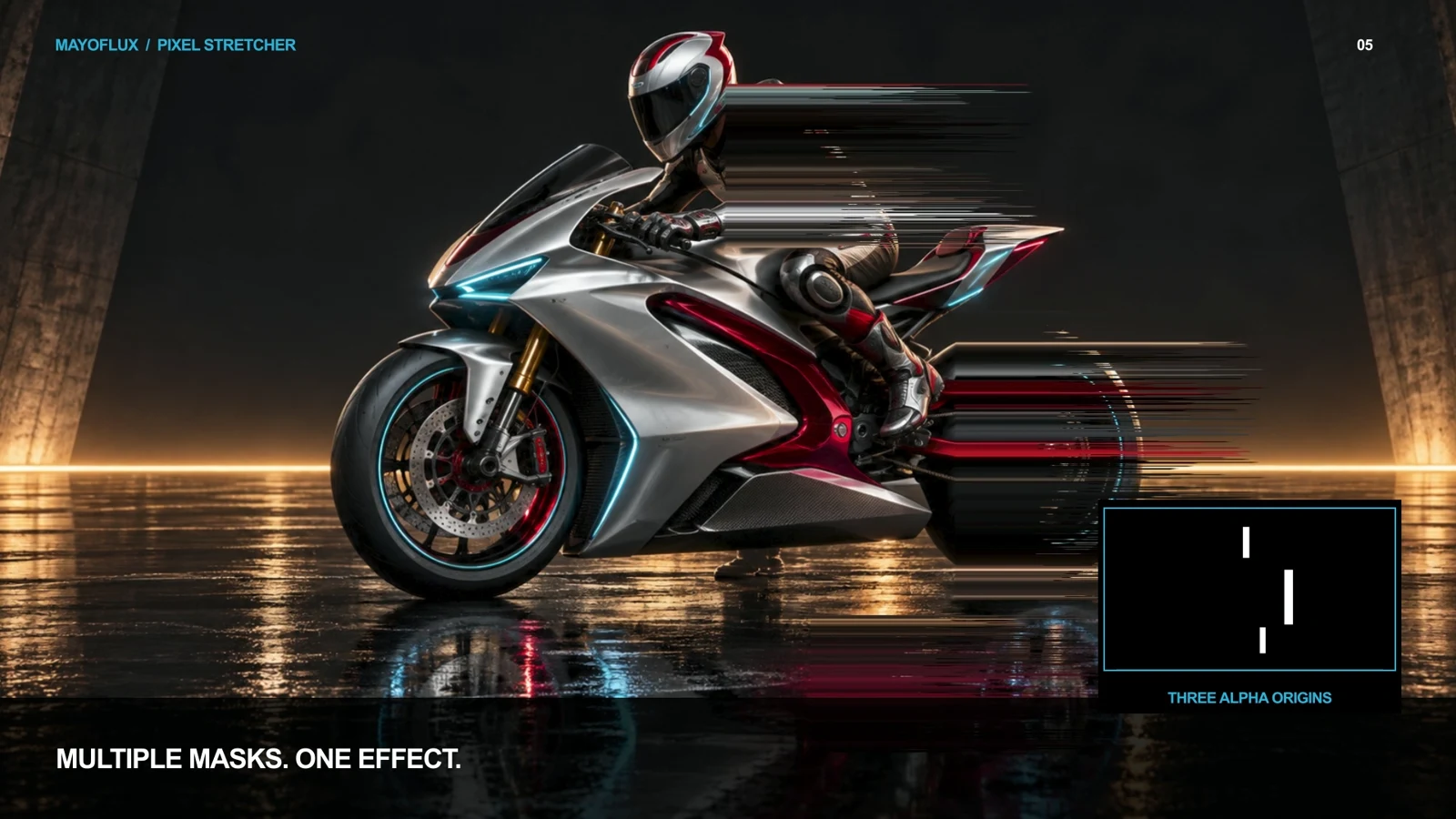
Keep everything aligned: put mask positioning, scaling and animation inside the mask precomp. The selected mask layer can be hidden in your main composition.
Made with the plug-in
Push the pixels.
Go precise, go oversized, or turn the whole image into a transition.
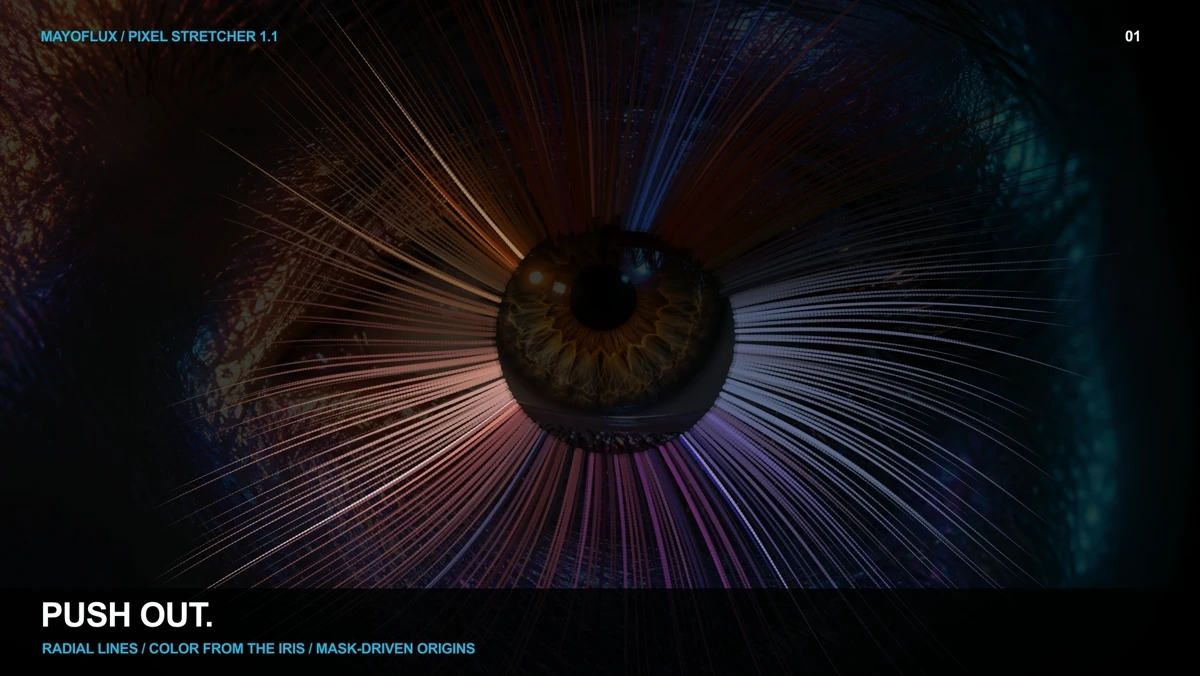
Push out. Pull in.
Use Radial Out or Radial In, move the launch center, and turn a mask edge into a field of colored streams.
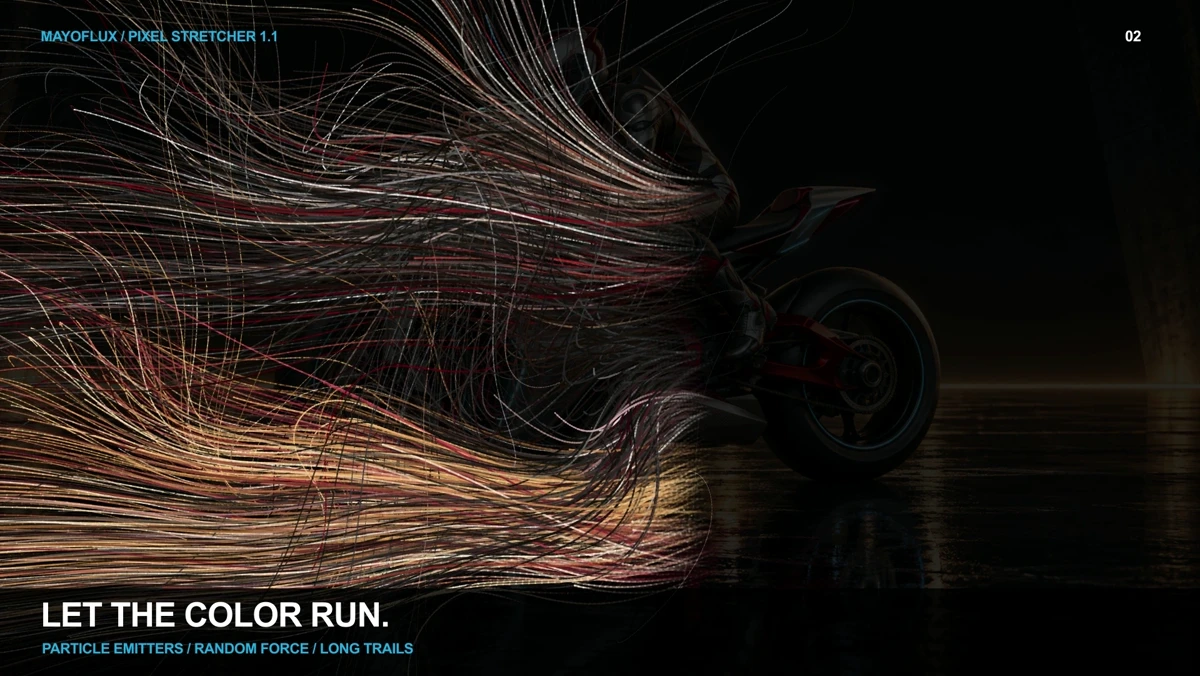
Let the color run.
Emit particles from your mask. Set their speed, lifespan and trail length, then bend their paths with Random Force.
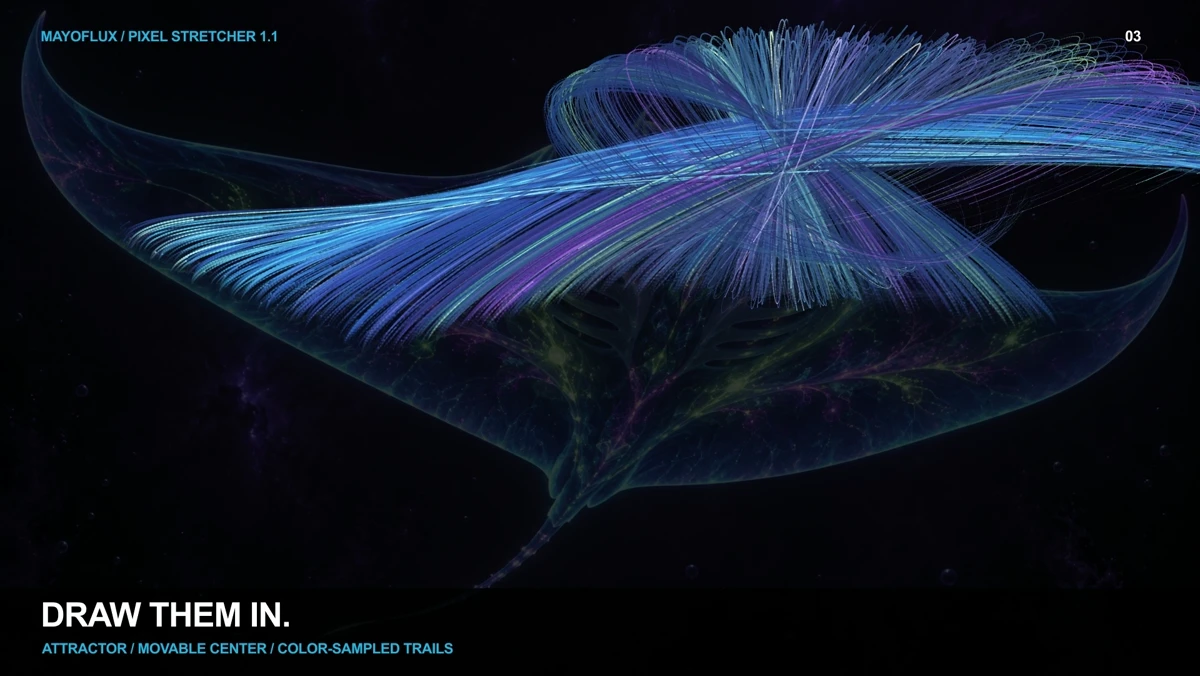
Give them a force.
Combine an attractor, a separately positioned repeller, wind and random forces. Adjust influence radius, spread and drag.
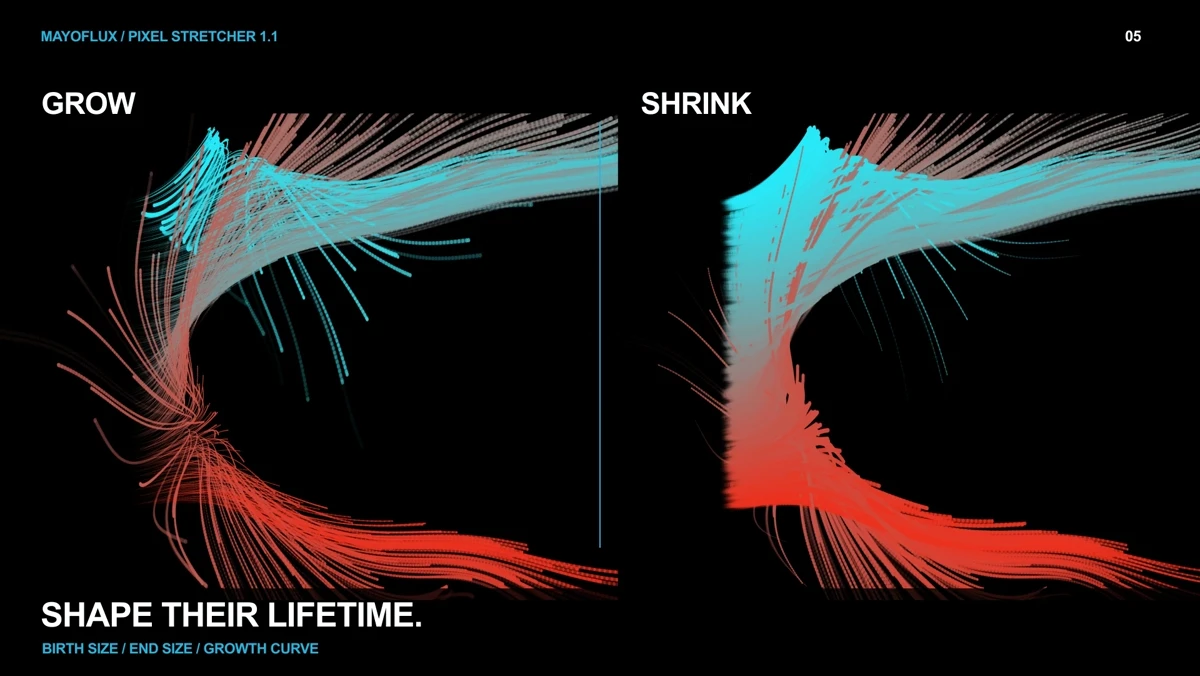
Shape their lifetime.
Set Birth Size and End Size, then adjust Growth Curve. Make streams bloom outward, taper away or stay a constant width.
The original lines are still here
Sort Inside Mask rearranges pixels within your selected regions. Full Frame Sort uses brightness thresholds across the image. Existing version 1.0 projects keep their original defaults. Watch the original mask-stretching demo →
Start making
Download.
Install. Stretch.
The ZIP includes the native plug-in, install and uninstall tools, and a quick-start guide.
Windows 64-bit · After Effects 2026
AE 26.5 verified · CPU rendering
No other third-party plug-in required
Extract the whole ZIP
Choose Extract All in File Explorer. Keep the included folders together.
Save and close After Effects
Close AE and any aerender or Dynamic Link AE background process before installing.
Double-click Install.cmd
Accept the Windows administrator prompt. The installer verifies the plug-in checksum and backs up any existing Pixel Stretcher installation.
The installer is unsigned; Windows may show an unknown publisher.
Open AE and add the effect
Choose Effect → MayoFlux → Pixel Stretcher. Follow the quick-start guide to create your first mask-driven stretch.
Uninstall, restore a previous version or choose an AE location
Save and close AE, then double-click Uninstall.cmd. The removed plug-in stays in a recoverable backup.
For a custom installation, open PowerShell as administrator in the extracted folder:
powershell.exe -NoProfile -ExecutionPolicy Bypass -File ".\tools\Install-PixelStretcher.ps1" -AfterEffectsRoot "C:\path\to\Support Files"To restore the preceding version:
powershell.exe -NoProfile -ExecutionPolicy Bypass -File ".\tools\Uninstall-PixelStretcher.ps1" -RollbackUse the same Windows account that installed it. Backup details are in README.txt.
Pixel Stretcher 1.1
Make something
unexpected.
Show us what you make, or tell us where the workflow could improve.
Send feedback ↗For an issue, include your Windows and AE versions, the steps to reproduce it and a short clip.
Before you start
- Windows x64, After Effects 2026. Tested in AE 26.5 at 8, 16 and 32 bpc. The installer accepts 26.5 and later 26.x versions. No macOS or Premiere build.
- A full-size mask precomp works best. Animate and transform the mask inside that precomp. Outer layer transforms do not reposition the sampled mask.
- Alpha for transparency. Luminance for black and white. Use Show Mask to inspect what the effect sees.
- Procedural particles. Each frame uses the current image, mask and controls. Animated masks move the current paths; historical emitter positions and source colors are not stored. Full controls and limits →
- Keeping older Pixel Sort projects? Leave PixelSort.aex installed. Pixel Stretcher is a separate effect; older instances are not converted.
More ways to move: Dot Morph Mo Flux Software Lab
A MayoFlux product. Not affiliated with or endorsed by Adobe.